
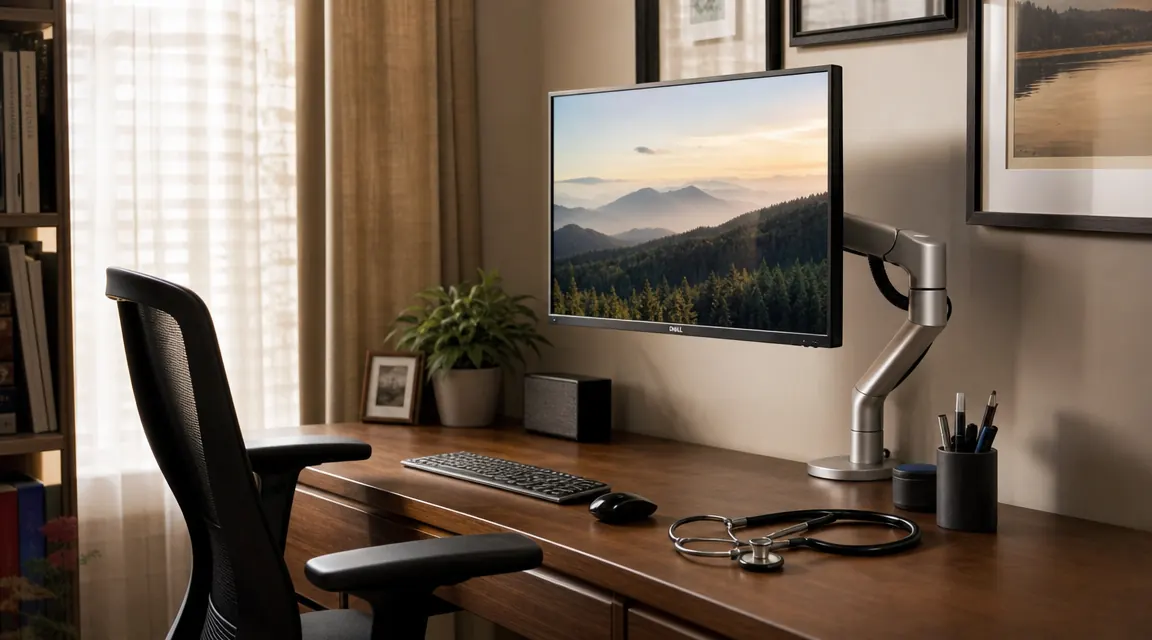
Two years ago I dragged a cheap monitor stand home from a big-box store and spent about three evenings adjusting it before accepting that my neck was always going to crane downward during charting sessions. I am a nurse. I work a full shift, then I come home and sit at my home desk for another hour or two catching up on documentation. The monitor stand put the top of my screen roughly four inches below where my eyes naturally landed, and by nine o'clock my neck ached in a way that a heating pad barely touched. A colleague mentioned the VIVO Single Monitor Arm, said she paid about thirty-five dollars, and suggested I just try it. I ordered it that night.
That was two years and roughly 700 evening sessions ago. The arm is still on my desk. I have moved it from one room to another during a home renovation, re-clamped it to a new desk, and adjusted the height probably two dozen times. I have a 27-inch, 16-pound Acer monitor sitting on it right now. Here is the full honest picture of what held up, what did not, and who this arm is and is not right for.
The Quick Verdict
The VIVO arm delivers genuine ergonomic relief at a price that is hard to argue with. Two years in, the clamp holds, the tilt stays put, and my neck is dramatically better. The tension joint needs occasional re-tightening and the cable channel is shorter than I would like, but neither issue is a dealbreaker at this price.
Amazon Check Today's Price →If an aching neck at the end of your shift sounds familiar, this affordable fix is worth looking at today.
The VIVO Single Monitor Arm fits screens from 13 to 38 inches and supports up to 22 pounds. It clamps to desks up to 3.54 inches thick. Check current availability on Amazon before the price moves.
Amazon Check Today's Price on Amazon →How I Have Used It
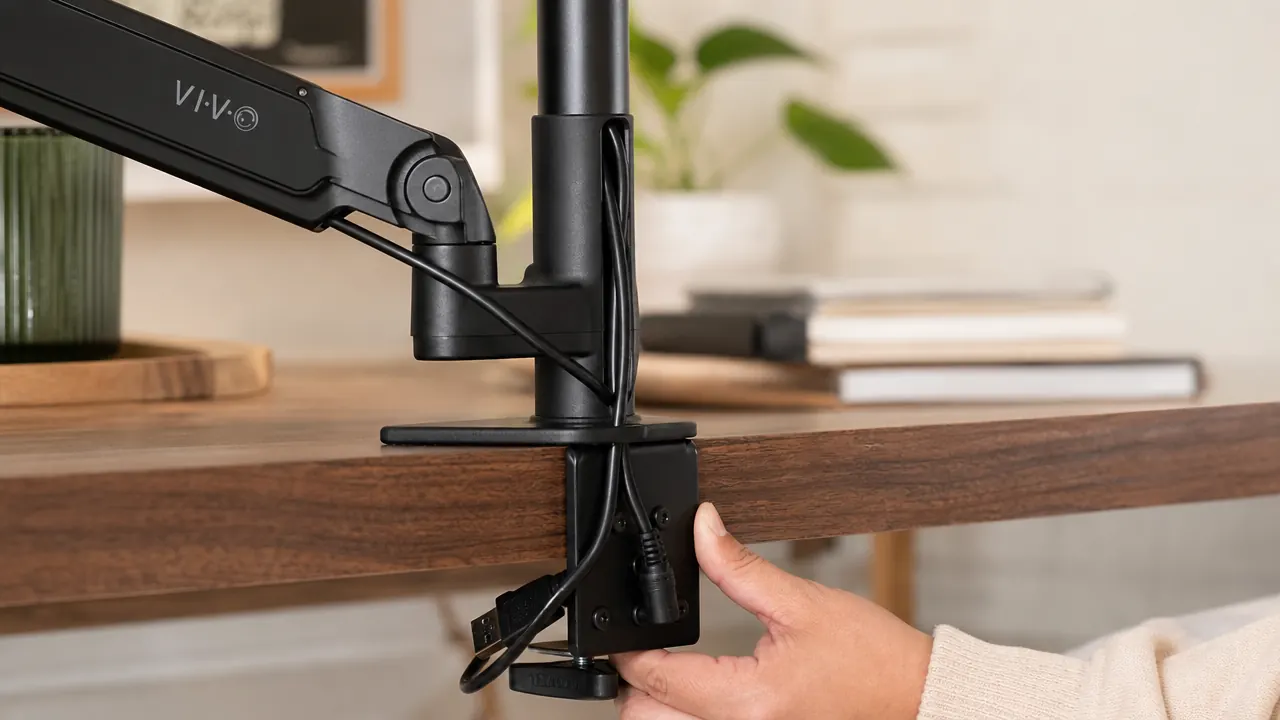
My desk is a 48-inch Ikea Linnmon tabletop that sits at standing-desk height during the day and drops to 28 inches when I am seated. The VIVO arm clamps to the back right edge of the desktop. The clamp body is about four inches deep and grips desks up to about 3.5 inches thick. My Linnmon is about 1.4 inches thick, well within range, so the clamp seated securely without any wobble even after repeated adjustments.
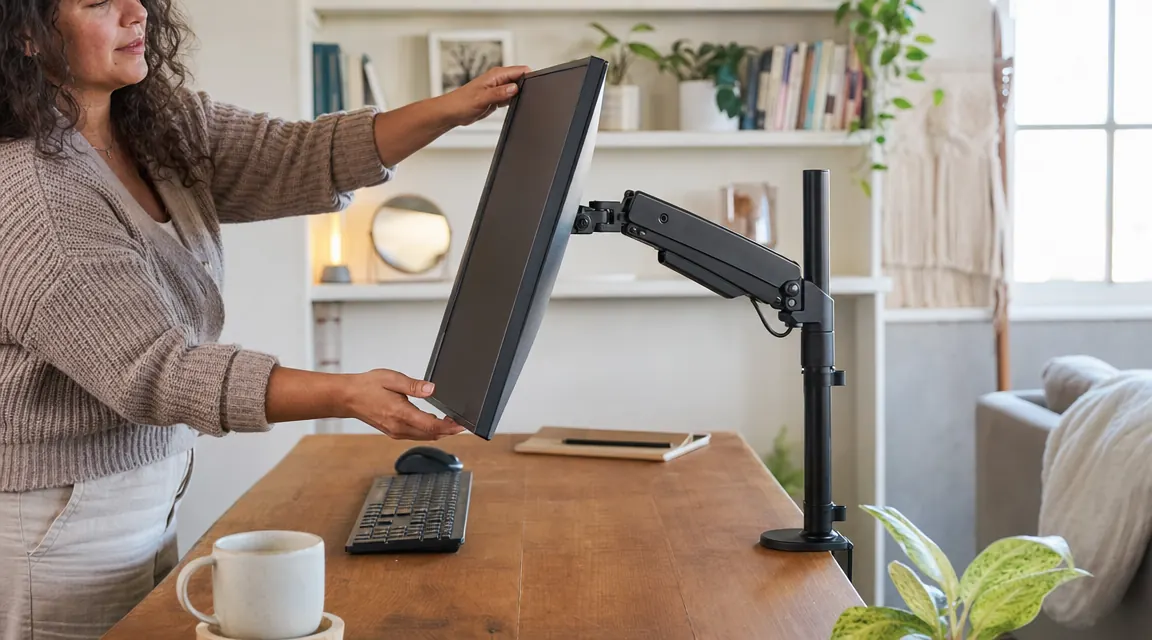
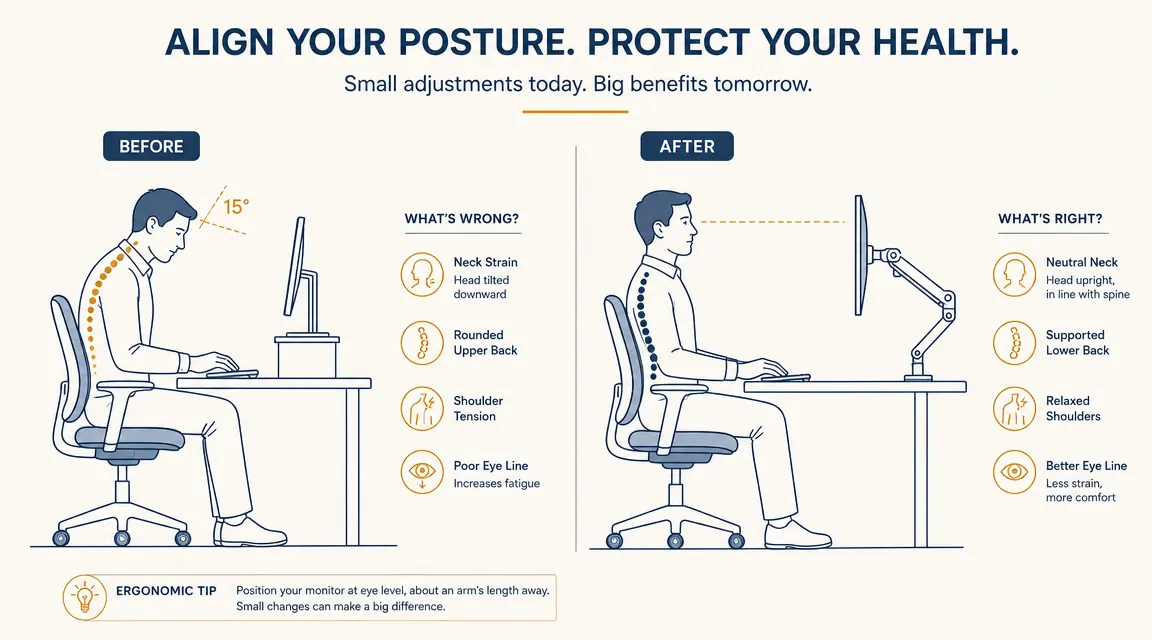
I mounted a 27-inch Acer monitor weighing 16.3 pounds. VIVO rates this arm at 22 pounds capacity, so I was comfortably under the limit. The arm's horizontal reach extends to about 19 inches from the post, which gave me enough distance to push the screen roughly eight inches back from where the stand used to position it. That extra distance, combined with raising the screen to eye level, was the single most immediate improvement I noticed. My head stopped tilting forward and my upper back stopped rounding by the end of the first week.
Assembly took about 25 minutes. The instructions are a single laminated sheet with clear illustrations, and there are only six bolts involved. The hardest part was getting the gas spring tension set correctly for my monitor's weight, which required loosening a hex screw at the base of the arm and turning a tension dial. It took me two attempts to get it right, but once set the arm held position through small bumps and desk vibrations without creeping.
What Two Years of Daily Use Actually Shows You
At the one-year mark I noticed the tilt joint on the monitor head was holding position about 80 percent as firmly as when new. The monitor would very slowly creep downward about two degrees over the course of a week, then I would retighten the bolt with the included hex key and it would hold firm for another few weeks. This is extremely common with monitor arms in this price range. It is not a flaw so much as a maintenance reality. I keep a small hex key taped to the inside of my desk drawer. Takes thirty seconds to fix.
The main pivot joint, the one that controls horizontal swing, has shown no slippage at all. Neither has the vertical height adjustment, which clicks into set positions using a tension ring rather than a free-floating gas lift. This means height adjustments are a slightly manual operation involving loosening a ring, sliding the arm up or down, and retightening. It is less effortless than premium arms with gas-lift height adjustment, but it also means the height never drifts on its own. For me, who sets a height and leaves it for weeks at a time, this is actually a feature.
I set the height once in January and did not touch it again until I moved rooms in April. It held exactly where I left it. That kind of set-it-and-forget-it reliability matters a lot when you are tired after a long shift.
The cable management channel runs up the vertical post and into the arm's main body. It fits HDMI, a display port cable, and a USB cable simultaneously if you are not using particularly thick cables. My monitor's power brick cable is too thick to fit through the channel, so it runs freely along the back of the arm, which is visible but not a huge problem. If cable tidiness is a high priority, you may want to add a few cable clips along the arm.
The Ergonomic Impact: What Improved and What Did Not
The neck improvement was real and happened fast. Within two weeks of mounting the arm, the nightly ache at the base of my skull was gone. I raise the monitor so the top of the screen sits roughly at forehead height, which keeps my gaze slightly downward at about ten degrees, the position most ergonomists recommend. The monitor stand I replaced put the screen about four inches too low, forcing a twenty-degree forward tilt that was compounding over hours.
What the arm did not fix was my shoulder and wrist posture, which were problems tied to keyboard height, not screen height. That was a separate ergonomic project involving a keyboard tray. If you are expecting a monitor arm to solve everything, manage that expectation. It solves the neck-and-screen-distance problem very well. It does not correct keyboard positioning or chair fit. Those are different levers.
There is also the desk space benefit, which I underestimated going in. Removing the monitor stand freed up a footprint of roughly 8 by 6 inches on my desktop. That is where my notepad now lives. If you are working on a smaller desk, this reclaimed space may be as valuable as the ergonomic improvement.
Where VIVO Cut Corners Versus Premium Arms
I have used an Ergotron LX at a colleague's home office, so I have a direct comparison point. The LX has a true gas-lift spring that makes height changes effortless and completely smooth. The VIVO requires manual loosening and tightening for height changes, which is slower. If you reposition your monitor height multiple times per day for different tasks or different users sharing a desk, the VIVO's manual adjustment will become annoying quickly.
The plastic components on the VIVO arm also show their budget origins up close. The monitor head mount and the tension adjustment dial are plastic rather than metal. Neither has failed in two years, but they look and feel less durable than the Ergotron's all-metal construction. The VIVO arm's clamp body is metal, as is the main post and arm segment, so the structural pieces are solid. The finish-quality components are where VIVO saves money.
Reach is another difference. The VIVO arm reaches about 19 inches from the post. The Ergotron LX reaches about 25 inches. If you have a deep desk and want the monitor pushed well back, the VIVO may not extend far enough. Measure from your planned clamp position to your ideal screen position before ordering.
What I Liked
- Genuine ergonomic improvement in neck and upper-back posture within the first week
- Rock-solid height stability once set, no creeping over time
- Frees significant desk surface area by eliminating the monitor stand footprint
- Supports monitors up to 22 pounds, covering most 27-inch and many 32-inch displays
- Two-year build quality is solid on the structural components, no rust or loosening at the clamp
- Straightforward 25-minute assembly with clear instructions
Where It Falls Short
- Tilt joint on the monitor head needs re-tightening every few weeks, requires keeping a hex key handy
- Height adjustment is manual (loosen, slide, retighten) rather than a smooth gas-lift, inconvenient if you change height frequently
- Horizontal reach maxes at about 19 inches, may not be enough for deep desks
- Cable channel fits standard cables but not thick power bricks
- Plastic components on the monitor head look and feel noticeably budget compared to Ergotron or Amazon Basics arms at twice the price
Alternatives I Looked at Before the Two-Year Mark
When my tilt joint started showing some drift at month twelve, I briefly considered replacing the VIVO with an Ergotron LX. The LX costs significantly more at today's prices, which is nearly five times the VIVO's current price. For a few weeks of comparison research, I could not find a compelling ergonomic reason to upgrade. The tension re-tightening I do on the VIVO takes thirty seconds every few weeks. The LX gas-lift spring would eliminate that friction, but it would not further improve my neck posture because the VIVO already lets me set my monitor to the correct position and keep it there.
The one scenario where I would recommend going straight to the Ergotron LX or a similar premium arm is if you share your desk with another person of different height, or if you work in both sitting and standing configurations and change monitor height several times each day. In those cases, the effortless gas-lift is worth paying for. If you primarily sit at a fixed height, as I do for evening charting, the VIVO's manual adjustment system is perfectly livable.

Who This Is For
The VIVO monitor arm is the right choice if you are dealing with neck or upper-back pain from a monitor that sits too low or too close, you work at one fixed desk height and do not need constant repositioning, you have a monitor between 17 and 27 inches and under 22 pounds, and you want to try a real ergonomic improvement without spending heavily to see if it makes a difference. It is also right for anyone reclaiming desk space by ditching a bulky monitor stand. At this price point, the risk of trying it is very low.
Who Should Skip It
Skip the VIVO arm if you have a large monitor over 22 pounds, a very large 34-inch ultrawide that sits on a particularly thick or rounded desk edge that the clamp cannot grip, or if you share a desk and need effortless height changes throughout the day. Also skip it if finish quality matters to you, because the plastic mounting head will look noticeably cheaper than premium arms in person. And if you have a desk with a grommet hole you want to use instead of a clamp, verify the arm's grommet adapter dimensions before ordering since grommet fit can vary.
Two years in, I would still buy this exact arm for the same desk at the same price.
The VIVO Single Monitor Arm has 20,000 reviews on Amazon and fits screens from 13 to 38 inches. If your monitor currently sits on a stand that is too low or too close, this is the most affordable direct fix available. Check today's price and current delivery window on Amazon.
Amazon Check Today's Price on Amazon →